Tor Browser 15.0.9 For MacOS Download

Tor Browser for MacOS 15.0.9 is a privacy-focused web browser designed to help users browse the internet anonymously and securely. In an era where online tracking, data collection, and surveillance are growing concerns, Tor Browser offers an effective solution by protecting users’ online identity and activity.
Developed by the Tor Project, Tor Browser is based on Mozilla Firefox and enhanced with advanced privacy technologies. It routes internet traffic through a global network of servers operated by volunteers, making it extremely difficult for anyone to track a user’s location or browsing habits.
This detailed guide explores the features, latest updates, system requirements, and advantages and disadvantages of Tor Browser 15.0.9 for macOS, helping users understand its capabilities and benefits.
Key Features of Tor Browser 15.0.9 For MacOS:
Anonymous Browsing with the Tor Network:
The main feature of Tor Browser is its ability to anonymize internet traffic. It works by routing data through multiple encrypted nodes on the Tor network, ensuring:
- Hidden IP address
- Protection against tracking
- Enhanced privacy
As a result, users can browse the internet without revealing their identity or location.
Built-in privacy protection:
The Tor Browser includes robust privacy features by default, such as:
- Blocking of third-party trackers
- Preventing browser fingerprinting
- Cookie isolation for each website
These protections reduce the risk of being tracked across different websites.
Automatic HTTPS encryption:
Whenever possible, the Tor Browser forces websites to use HTTPS, ensuring:
- Secure data transmission
- Protection against interception of communications
- Safer browsing on public networks
No tracking or data collection:
Unlike many popular browsers, the Tor Browser does not track user activity or collect personal data. This makes it the preferred choice for privacy-conscious users.
Cross-Platform Compatibility:
Although this guide focuses on macOS, Tor Browser is also available for:
- Windows
- Linux
- Android
This allows users to maintain their privacy across multiple devices.
What’s New in Tor Browser?
Version 15.0.9 introduces several improvements focused on security, performance, and compatibility.
Enhanced Security Patches:
The latest version includes updated security patches based on the latest Firefox versions, which fix vulnerabilities and improve protection against threats.
Improved macOS Compatibility:
Tor Browser 15.0.9 offers improved compatibility with modern macOS versions, including optimized performance on Apple Silicon devices.
Performance Optimization:
- Users can expect:
- Faster page load times
- Greater stability
- Lower memory consumption
Updated Privacy Features:
Improvements to anti-tracking and anti-fingerprinting mechanisms further strengthen user anonymity.
Bug Fixes and Stability Improvements:
Several bugs from previous versions have been fixed, resulting in a smoother browsing experience.
You may also Download: Brave Browser 1.87.192 for MacOS
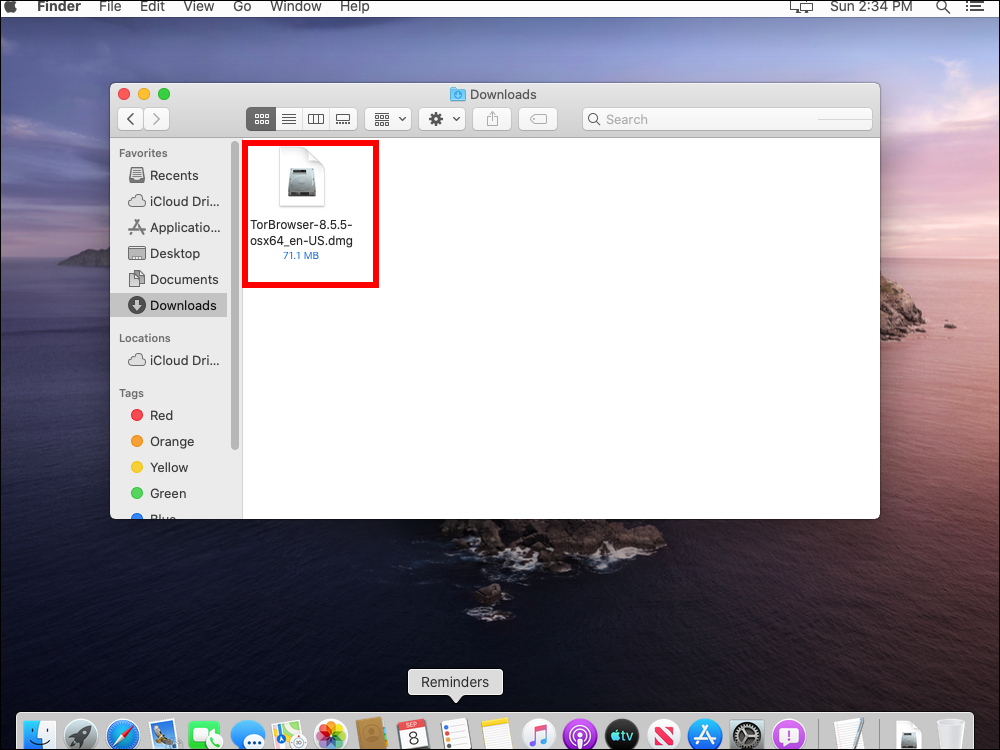
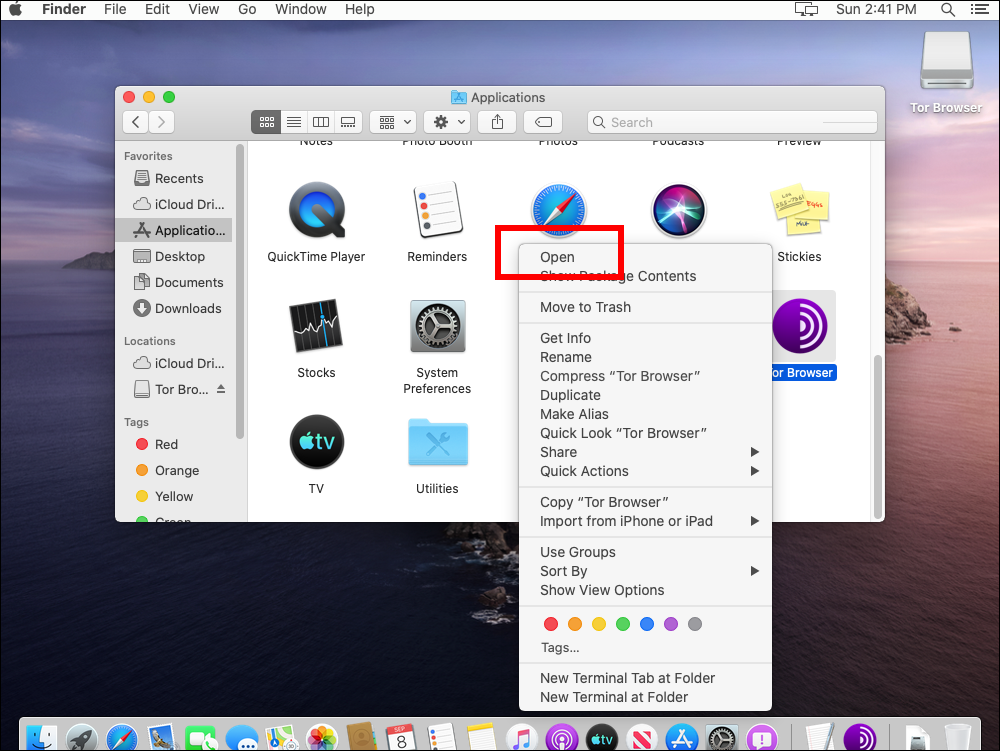
Screenshots:
System Requirements:
Before installing Tor Browser 15.0.9 on macOS, make sure your system meets the following requirements.
Minimum Requirements:
- macOS 10.13 (High Sierra) or later
- Intel or Apple Silicon processor (M1 or higher)
- 2 GB of RAM
- 200 MB of free disk space
Recommended Requirements:
- macOS 12 (Monterey) or later
- Apple Silicon (M1/M2/M3) for optimal performance
- 4 GB of RAM or more
- Stable internet connection
Advantages and Disadvantages:
Advantages:
- High privacy and anonymity protection
- Free and open source
- Blocks trackers and prevents fingerprinting
- Access to .onion websites
- No data collection or user tracking
- Regular security updates
Disadvantages:
- Slower browsing speed due to multi-node routing
- Some websites may block Tor traffic
- Limited compatibility with certain web services
- Not ideal for high-bandwidth activities such as video streaming
- Learning curve for new users
Conclusion:
Tor Browser Windows Explorer 15.0.9 for Mac is one of the most powerful tools available for maintaining online privacy and anonymity. Thanks to its advanced encryption, anti-tracking features, and access to the Tor network, it offers a level of security that traditional browsers cannot match.
Homepage: https://mactorrent.info/
2 comments