VLC Media Player 3.0.23 for MacOS Download

VLC Media Player 3.0.23 for MacOS is one of the most popular and trusted media players available to Mac users worldwide. Known for its open-source code, lightweight performance, and unparalleled format compatibility, VLC has become the go-to solution for playing virtually any audio or video file without the need for additional codecs. Whether you’re watching movies, streaming online content, or playing locally stored media, VLC Media Player delivers a reliable and consistent experience.
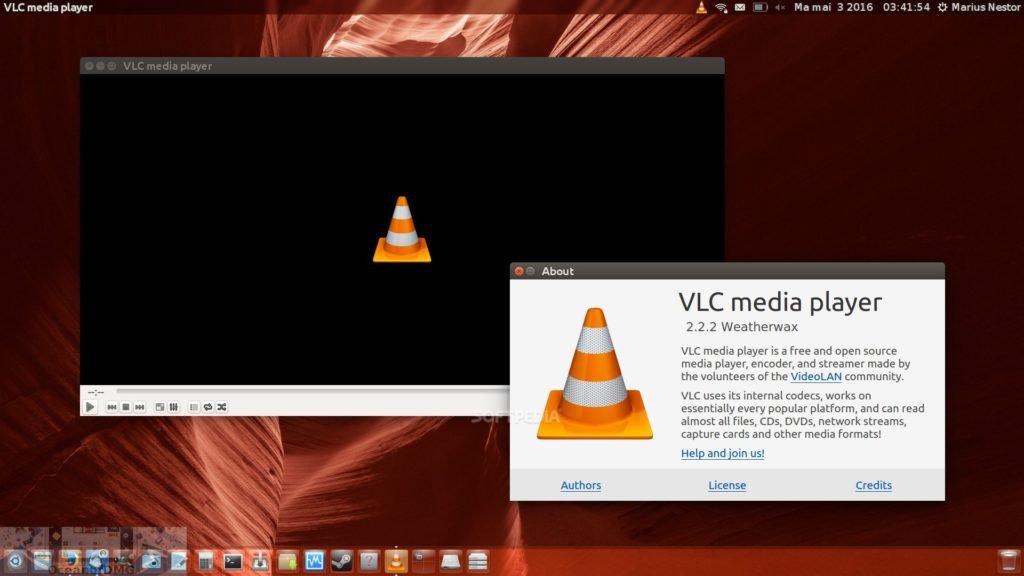
The VLC media player is very well-known, easily recognizable by its iconic orange and white traffic cone logo, and supports a wide variety of file formats, allowing it to play everything from FLV to H.264 and much more. This player is free to download, ad-free, for both PC and Mac, and has a relatively small file size.
VLC Media Player is a highly portable multimedia player compatible with various audio and video formats (MPEG-1, MPEG-2, MPEG-4, DivX, MP3, OGG, etc.), as well as DVDs, VCDs, and several streaming protocols. It can also be used as a server to stream in unicast or multicast mode over IPv4 or IPv6 across a high-bandwidth network.
With the release of VLC Media Player 3.0.23 for macOS, the software continues to improve its performance, stability, and compatibility with modern macOS versions. This update focuses on bug fixes, security enhancements, and smoother playback, ensuring users can enjoy multimedia content without interruptions or technical issues.
Key Features of VLC Media Player for macOS
Wide Media Format Compatibility
- One of the biggest advantages of VLC Media Player is its compatibility with a wide range of audio and video formats. From common formats like MP4, MOV, AVI, and MP3 to more advanced formats like MKV, FLAC, OGG, and WMV, VLC handles them seamlessly.
- Thanks to VLC’s built-in codecs, users don’t need to install additional software to play most media files. This makes it especially useful for Mac users who work with diverse or uncommon file formats.
High-Quality Video and Audio Playback
- VLC Media Player for macOS delivers smooth, high-quality playback for both standard and high-definition content. It supports Full HD, 4K, and even 8K video playback, depending on your hardware capabilities.
- Advanced audio processing ensures crisp sound output, while customizable audio equalizers allow users to adjust sound quality to suit their preferences or playback environment.
Network Streaming and Playback
- VLC isn’t limited to local media files. It also supports streaming content from online sources, network streams, and local servers. Users can play media from URLs, stream live broadcasts, or access content over local networks using protocols such as HTTP, FTP, and RTSP.
- This versatility makes VLC Media Player a valuable tool for both entertainment and professional use.
Subtitle Support and Synchronization
- VLC offers full subtitle support, allowing users to load external subtitle files or use subtitles embedded in video files. Subtitle synchronization tools make it easy to adjust the timing if the subtitles are out of sync with the video.
- Users can also customize the appearance of subtitles, including font size, color, and position, for a more comfortable viewing experience.
Customizable Playback Controls
- VLC Media Player offers extensive playback customization options. Users can control playback speed, apply video filters, adjust brightness and contrast, and optimize audio output.
- Keyboard shortcuts and customizable preferences further enhance usability, making it easy to tailor the player to individual needs.
Lightweight, Free, and Open Source Software
- Despite its powerful features, VLC remains lightweight and efficient. It runs smoothly on most Mac systems without consuming excessive resources.
- As open source software, VLC is completely free, with no ads, subscriptions, or hidden costs, making it accessible to all users.
What’s New in VLC Media Player 3.0.23
- VLC Media Player 3.0.23 for MacOS focuses primarily on improvements to stability, security, and compatibility. This update includes several bug fixes that address playback issues, crashes, and minor glitches found in previous versions.
- Security enhancements ensure safer media playback, especially when opening files from external or online sources. Additionally, macOS compatibility has been improved to guarantee smoother operation on the latest versions of the operating system and on Macs with Apple processors.
- While VLC 3.0.22 doesn’t introduce any major new features, it strengthens overall performance and reliability, reinforcing VLC’s reputation as a dependable media player.
you can also Download: OmniPlayer – MKV Video Player 2.1.17 for Mac
Screenshots:
System Requirements
Minimum Requirements
- MacOS 10.12 or later
- Mac with an Intel or Apple Silicon processor
- 2 GB of RAM
- Approximately 200 MB of free disk space
- Built-in or external audio output device
Recommended Requirements
- MacOS 12 or later
- Mac with an Apple Silicon processor or a modern Intel processor
- 4 GB of RAM or more
- SSD storage for faster file access
- High-resolution display for HD and 4K playback
Meeting the recommended system requirements ensures smoother playback, faster load times, and better overall performance when handling high-quality media files.
Advantages and Disadvantages of VLC Media Player for macOS
Advantages
- Compatible with almost all audio and video formats
- High-quality playback with advanced customization options
- Built-in subtitle support and synchronization tools
- Streaming and network playback capabilities
- Free, open-source, and ad-free
Disadvantages
- The interface may seem outdated compared to modern media players
- Advanced settings may be overwhelming for beginners
- Limited media library management features
Despite these minor drawbacks, VLC Media Player remains one of the most powerful and versatile media players available for macOS.
Conclusion
VLC Media Player 3.0.23 for MacOS remains an excellent choice for those seeking a reliable, versatile, and free media playback solution. Its unparalleled format compatibility, smooth performance, and extensive customization options make it ideal for a wide range of users, from casual users to advanced multimedia enthusiasts.
The latest update improves stability, security, and macOS compatibility, ensuring VLC remains relevant and reliable in modern computing environments. While the interface may not be the most visually modern, the software’s functionality and reliability more than make up for it.
For Mac users looking for a powerful, lightweight, and free media player compatible with almost any file format, VLC Media Player 3.0.23 remains an excellent and dependable choice.
One comment